
17 Jun
The Short Answer: It Depends on the Wiring, Not Just the Outlet
A dimmer switch only works correctly when it’s paired with a compatible light fixture and bulb. Standard dimmers were built for incandescent bulbs, and if you install one on a circuit with LED or CFL lights, you’ll often get flickering, buzzing, or lights that won’t dim below a certain point. The fix usually isn’t replacing the bulb — it’s matching the dimmer switch type to the lighting load on that circuit.
Why Your Dimmer Isn’t Doing What It Should
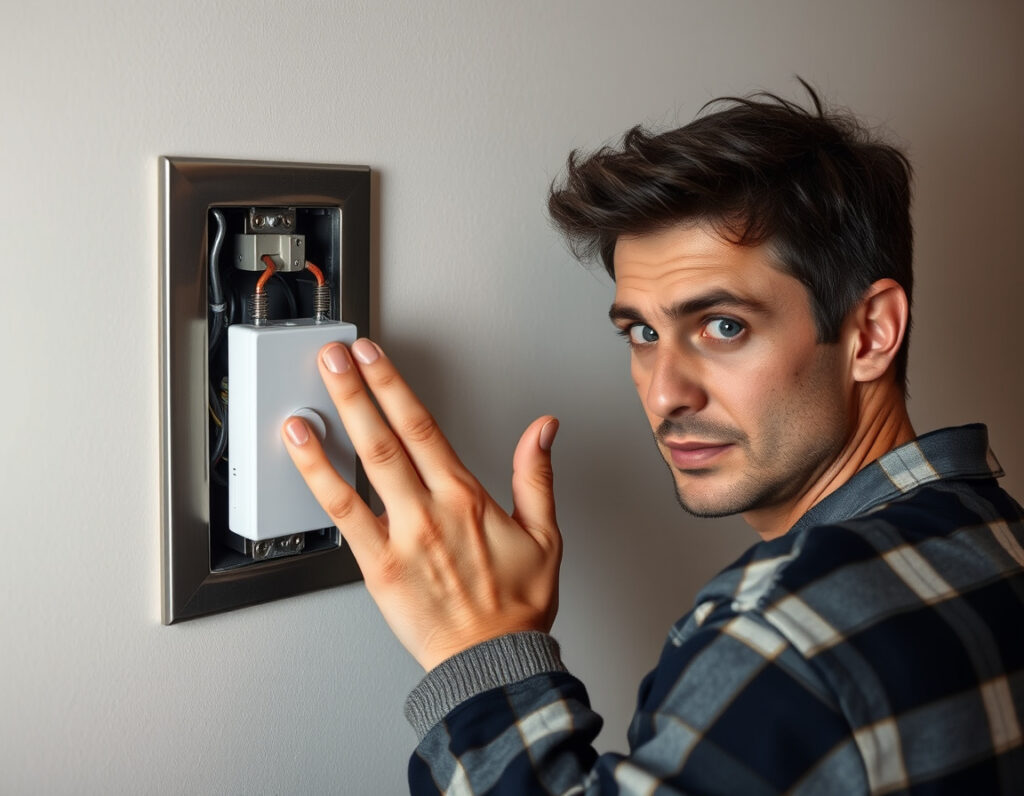
Most homeowners notice the problem right away: the light flickers at low settings, hums at full brightness, or simply refuses to turn all the way off. All of these point to a mismatch between the dimmer and the bulb technology it’s controlling.
Incandescent Dimmers Don’t Play Well With LEDs
Old-style incandescent dimmers work by cutting voltage in a simple on/off pulse. LEDs don’t respond to that the same way. A leading-edge dimmer — the kind installed in most homes built before 2010 — can cause LED bulbs to flicker noticeably or buzz because the bulb’s internal driver can’t interpret those voltage fluctuations cleanly. Switching to a trailing-edge dimmer (also called an LED-compatible dimmer) solves this in most cases. These are designed specifically for the low-wattage, electronic loads that LEDs present.
Minimum Load Requirements
This catches a lot of people off guard. Dimmers have a minimum wattage requirement — often 25W to 40W — because they need a certain load to function properly. A single 8W LED bulb doesn’t come close to that threshold. When the load is too low, the dimmer can’t regulate correctly, and you end up with a light that flickers or stays on at a low glow even when “off.” If you’re running just one or two LED bulbs on a dimmer circuit, you may need either a different dimmer or a load-corrector device added to the circuit.
Neutral Wire Availability Matters More Than You Think
Many newer smart dimmers and LED-compatible dimmers require a neutral wire at the switch box. Older homes in the southwest Chicago suburbs — and across the region — were often wired without a neutral at the switch location. If your electrician opens the box and finds only a hot and a switched hot, a standard smart dimmer won’t install without additional wiring work. This is one of the most common surprises during a dimmer upgrade, and it’s worth knowing before you buy the hardware.
What to Check Before Calling an Electrician
There are a few things you can verify on your own before scheduling a service call.
Check the Bulb’s “Dimmable” Label
Not all LED bulbs are dimmable. The packaging will say so explicitly. A non-dimmable LED bulb on any dimmer circuit will flicker, buzz, or fail early. Swapping to a dimmable LED is the first and cheapest fix to try. The U.S. Department of Energy’s LED lighting guidance is a solid resource for understanding how LED drivers interact with dimming technology.
Check the Dimmer’s Wattage Rating
Dimmers are rated by total wattage, not just voltage. If you’ve changed a fixture from four 60W incandescents to four 10W LEDs, you’ve dropped the load dramatically. Your existing dimmer may have been sized for 600W and now it’s running 40W. That mismatch alone can cause erratic behavior. Look at the dimmer’s rated load range on the back of the device or its packaging, and compare it against your actual bulb wattage.
When the Problem Isn’t the Dimmer at All
Occasionally, flickering on a dimmer circuit is a wiring issue — a loose connection at the switch, a failing wire nut, or a problem further back in the circuit. If you’ve already swapped bulbs and confirmed the dimmer is LED-compatible but the problem persists, that’s when an electrician needs to take a look. Loose connections generate heat and can become a fire risk over time. It’s not worth guessing on that one. Learn more about switch and outlet installation services if you’re thinking about upgrading more than just a dimmer.
When a Simple Swap Turns Into a Bigger Project
For homes in Palos Hills and the surrounding area, a lot of the housing stock dates from the 1960s through the 1980s. That means many switch boxes were wired before LED lighting was even a concept. Upgrading to modern dimmers sometimes uncovers the need for wiring upgrades — particularly when neutral wires are missing, boxes are overcrowded, or the existing wiring is older knob-and-tube or early aluminum. None of that is a reason to panic, but it is a reason to have a licensed electrician assess the situation rather than guessing at a hardware fix.
Related Questions
Can I install a dimmer on a ceiling fan?
Standard light dimmers should never be used to control a ceiling fan motor. Using one can burn out the fan’s motor over time or create a fire hazard. Fan speed controllers look similar to dimmers but use a completely different internal mechanism designed for inductive motor loads. If you want both dimmable light and fan speed control from a single location, you need a dual-function fan/light controller or a smart switch designed specifically for that purpose.
Why does my dimmer switch feel warm even when the lights are off?
A small amount of warmth is normal — dimmers dissipate some energy as heat during operation. But if the switch feels hot to the touch or warm even hours after the lights have been off, that points to either an overloaded dimmer, a wiring issue, or a failing device. Excessive heat at a switch is one of those things that shouldn’t be ignored; it’s worth having a local electrician from Reed Electrical Services take a look before it becomes a more serious problem. The National Fire Protection Association consistently lists electrical failures as one of the top causes of residential fires, and overheating switches are a known contributor.